Thank you to everyone who has been along all these many years! This release wouldn’t have been possible without you!
Thank you to every contributor (code, documentation, forum posts, art assets), to every user, to every tester that made Ogre 2.1 as stable as it is now.
This is my first experience building a binary SDK distribution. I’m used to linking to binaries built from source. If you see issues with it, ping me in the forums.
Refactored Ogre 1.x to increase performance by several factors; using cache friendly techniques (Data Oriented Design), SIMD instructions, AZDO (Aproaching Zero Driver Overhead), auto instancing, and multithreading
Windows Vista/7/8/10 support, macOS via Metal and OpenGL, iOS via Metal, Linux via OpenGL
Many new features: Area lights, Parallax Corrected Cubemaps, Forward Clustered lights, HDR, Exponential Shadowmaps and more
Or if you follow our Ogre repo, you may have seen some commits.
Yes, we’re working on Vulkan support.
So far we only got to a clear screen, so this is all you’re gonna get thus far:
It is working with 3 different drivers: AMDVLK, AMD RADV, and Intel Mesa, so that’s nice. Only X11 (via xcb library) works for now, but more Windowing systems are planned for later.
A very low level library
Vulkan is very low level, and setting this up hasn’t been easy. The motto is that all commands are submitted in order, but they are not guaranteed to end in order unless they’re properly guarded.
Want to present on screen? You better setup a semaphore so the present command waits for the GPU to finish rendering to the backbuffer.
Submitted twice to the GPU? You better sync these two submissions or else they may be reordered
On the plus side, a modern rendering library could take advantage of this to start rendering the next frame while e.g. compute postprocessing is happening on a separate queue on the current frame.
A lot of misinformation
There’s a lot of samples out there. But many of them are wrong or incomplete.
In many of the samples this is not a problem because they perform a full stall for demo purposes, but some of the more ‘real world’ samples do not.
They also do not teach how to deal with GPU systems where the present queue and the graphics rendering queue are different (I don’t know which systems have this setup, but I suspect it has to do with Optimus laptops and similar setups where GPU doing rendering is not the one hooked to the monitor).
This bug is hard to catch because often the race condition will never happen due to the nature of double and triple buffer, and worst case scenario this could result in tearing or similar artifacts (even if vsync is enabled).
Though there’s the possibility that failing to insert this barrier can result in severe artifacts in AMD GPUs due to DCC compression on render targets being dirty while rendering to it. Godot’s renderer had encountered this problem.
If I were to summarize Vulkan, it reminds me of Javascript async/promises development: Everything is asynchronous and has to be coded with promises.
Once you get into the async mindset, Vulkan makes sense.
Where to next?
There’s a lot that needs to be done: Resizing the swapchain is not yet coded, separate Graphics and Present queues is not handled, there’s zero buffer management, no textures, no shaders.
The next task I’ll be focusing on is shaders; because they are useful to show stuff on screen and see if they’re working. Even if there are no vertex buffers yet, we can use gl_VertexID tricks to render triangles on screen.
And once shaders are working, we can then test if vertex buffers work once they’re ready, and if textures work, etc.
The tasks done to achieve this can be summarized into five:
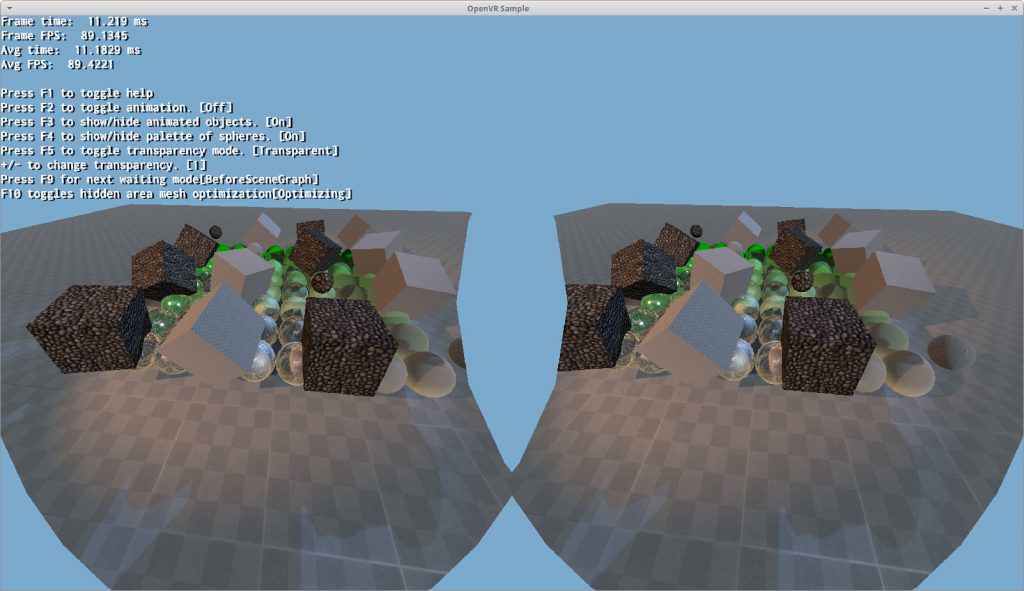
Added ‘VrData’ which is passed to Camera::setVrData. This simplifies passing per-eye view matrices and custom projection matrices required by the VR headset
Where cameraCenter is artist-defined (where the PCC camera was placed to build the probe) and posInProbeShape is also artist-defined (by controlling the size of the probe)
Over the last couple months we have been working on Voxel Cone Tracing (VCT), a Global Illumination solution.
Voxel Cone Tracing could be seen as an approximated version of ray marching.
The scene is voxelized and three voxels are generated, containing albedo, normals and emissive properties. In other words, we build a Minecraft-looking representation of the world: